Empower your AI to directly edit documents in real time

Skip the hard part.
Ship faster.
Chatbots are easy. Editing inside a rich-text doc – in real time, without corrupting tables or breaking on concurrent edits – is deceptively hard.
Skip months of engineering: Tiptap delivers a safe, reliable bridge between your AI and the documents where your team actually does its work.











Want to see Tiptap’s AI Toolkit in action? Try our demo:
Document-aware AI editing you can trust
AI Toolkit gives your AI access to document context and structure, so it understands where changes belong and keeps edits under your users’ control.
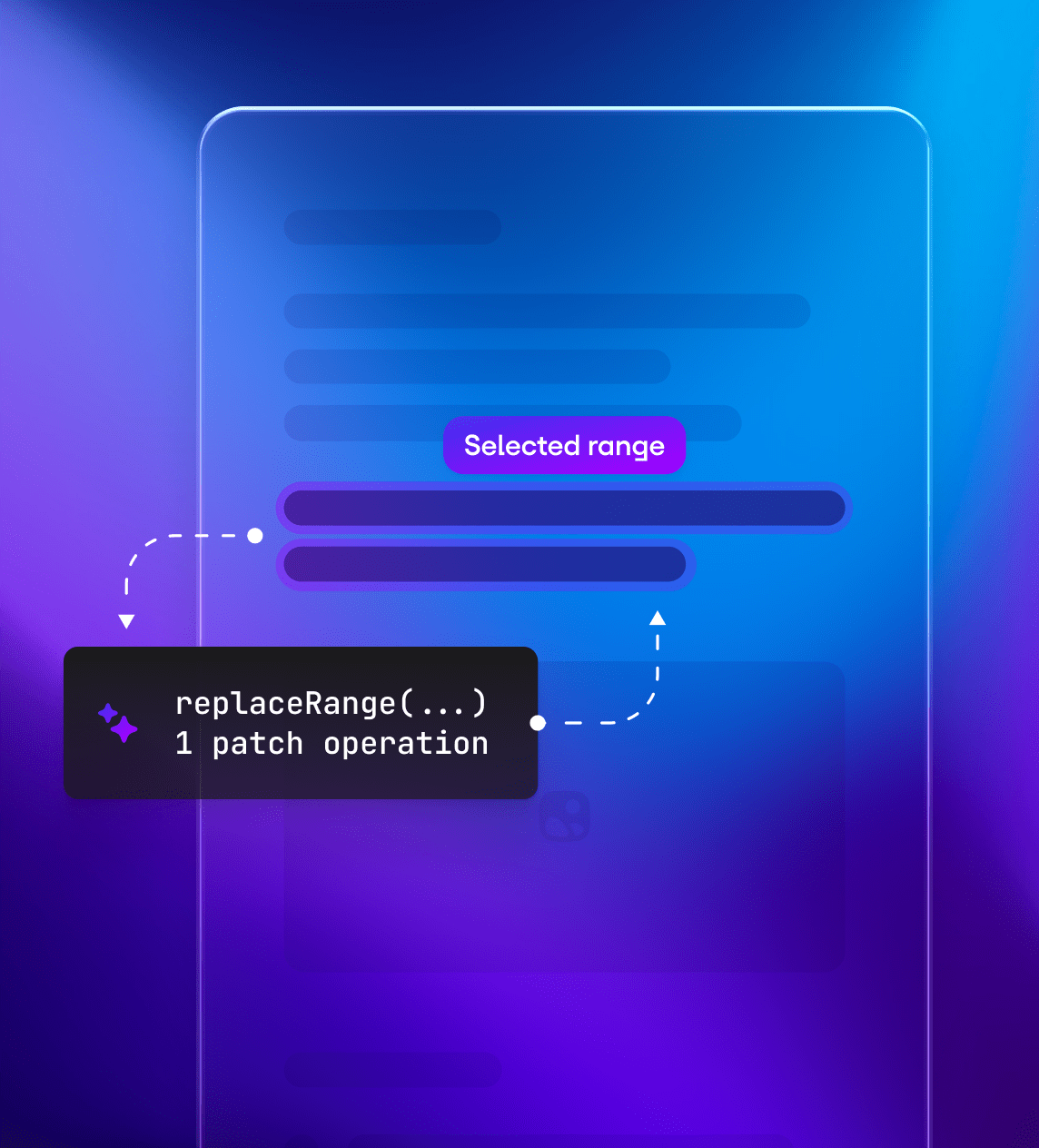
Preserve document structure
AI applies precise, scoped edits only where needed, preserving document structure and making changes easier to review.

Humans stay in control
AI edits can become suggestions that users review, accept, reject, or discuss before they become final.

Trace every decision
Keep AI edits connected to their source, review status, and final decision when your workflow needs attribution or audit trails.
It’s not just generation. It’s in-place editing that turns AI output into controlled, reviewable changes.
From model output
to document edits
Tiptap becomes the interface between your AI and your documents, while your models, prompts, and agents stay in your stack.
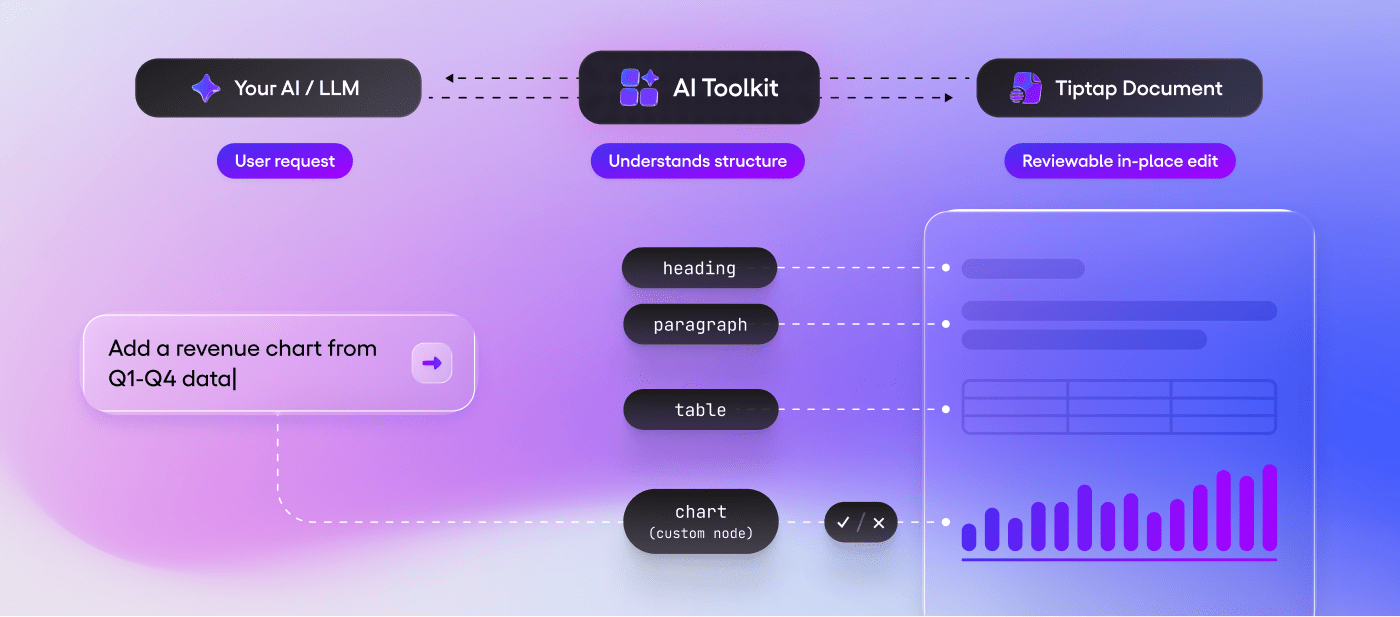
AI Toolkit turns model output into structured, reviewable document edits.
What AI can do
in your documents
Once your AI can work with Tiptap document structure, it can support real workflows instead of isolated prompts.
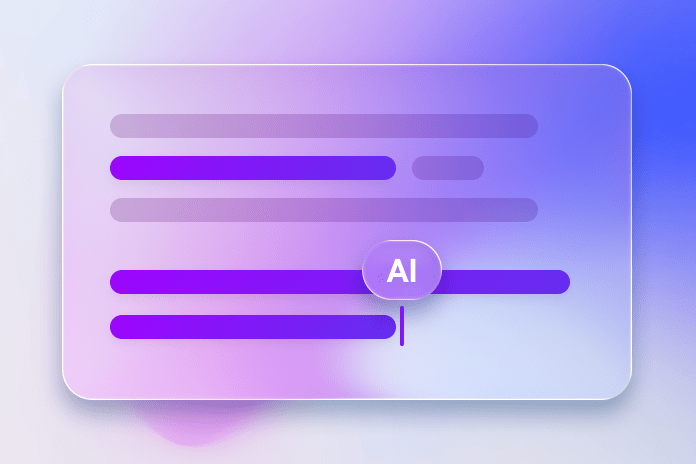
Writing and rewriting
Cursor-like inline edits that respect your document structure.
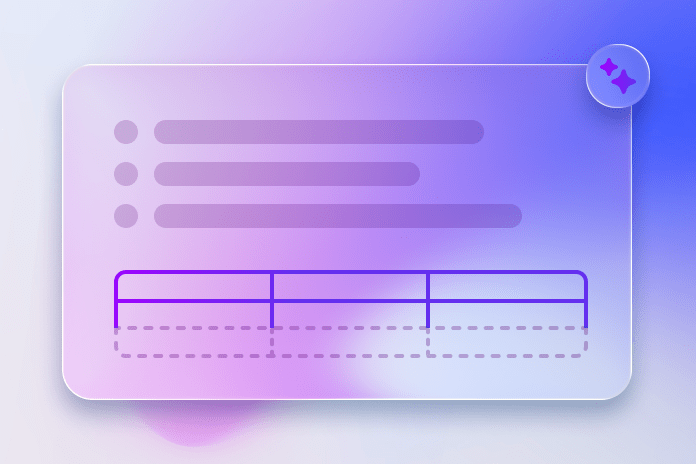
Document automation
Generate sections, tables, citations, templates, and structured blocks.

Compliance checks and review
Run rule-based or AI-assisted reviews with clear violations and suggested fixes.
Batch and backend processing
Run async jobs, overnight workflows, and large document transformations.
Multi-document operations
Coordinate updates across documents in one run, with clear traceability.
In-editor assistance
Add context-aware AI to help directly inside your editing experience.
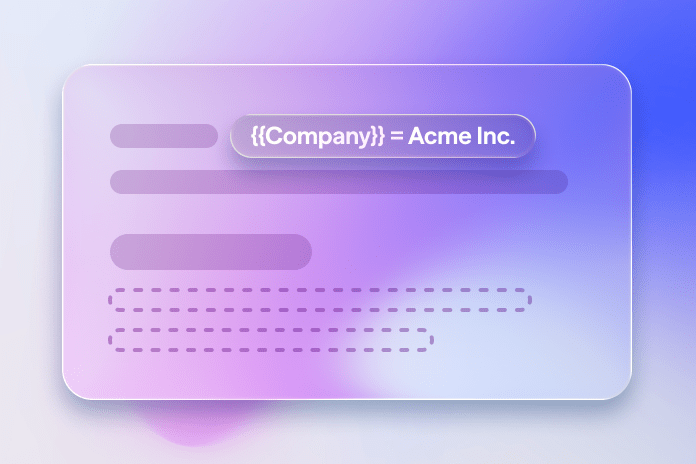
Document assembly
Build documents from data and templates, with AI filling defined slots and conditional sections.
Governed collaboration
Track, compare, review, and approve AI suggestions before they become final.
Document tools for AI workflows
Start with focused AI actions, then give agents the same document tools for more complex workflows.

Document actions
Single-purpose AI actions you can ship quickly, such as insert content, rewrite a selection, proofread, summarize, or apply edits.

Agent workflows
Tool-based systems that combine multiple document actions, ask for clarification, inspect document context, and complete more complex requests.
Use the AI architecture you already have. The AI Toolkit gives it document editing tools.
Run document AI
beyond the editor
Use AI Toolkit as a document-aware interface for backend workflows, async jobs, and agent systems.
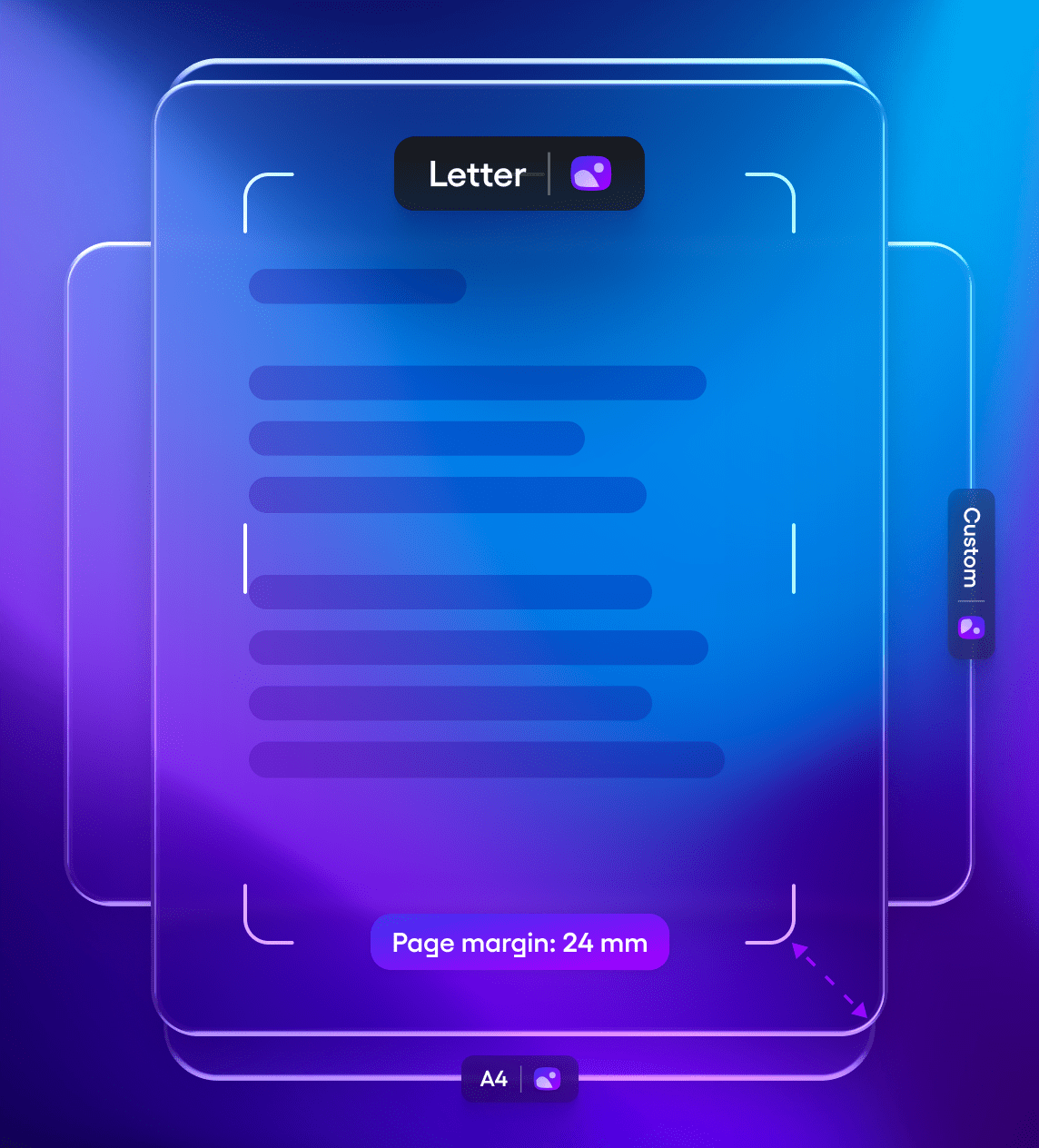
Async document workflows
Run long-running AI tasks without an active editor session.
- Scheduled jobs
- Webhooks and background processing
- Bulk document workflows
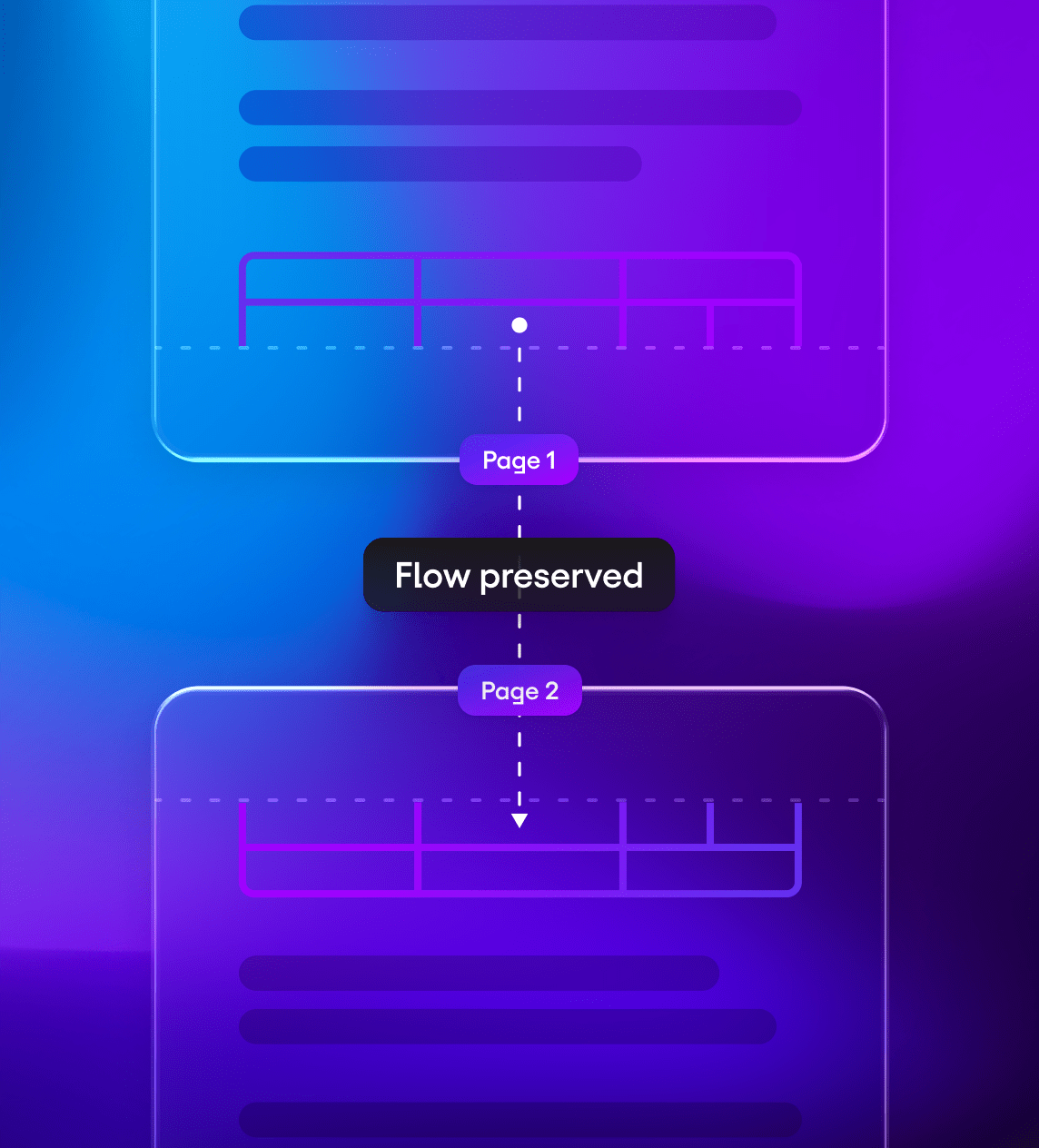
Multi-document processing
Apply document-aware AI across multiple documents, templates, or records.
- Batch updates
- Document assembly
- Cross-document transformations
Bring your own AI stack
The AI Toolkit is model-agnostic and infrastructure-agnostic. It connects your AI stack to the Tiptap document layer without locking you into a provider.

Your models
OpenAI, Claude, Mistral, Llama, or your own self-hosted models.

Your AI architecture
Tool definitions for popular AI SDKs on the client. REST APIs for backend workflows.

Your infrastructure
Route model calls through your backend and run processing where your workflow requires.










Ship document AIwithout rebuildingthe document layer
AI Toolkit handles structure, scoped edits, and reviewable changes, so your team can focus on the AI experience your users need.
Frequently askedquestions
Tiptap AI Toolkit pricing is separate from AI provider costs. However, you can use the AI Toolkit features to reduce your token cost by retrieving content in chunks and leveraging our optimized patch format for small, precise edits.
Yes: the AI Toolkit works alongside your custom marks, nodes and extensions. The Al can be configured to understand and generate content using your custom schema.
Yes, the AI Toolkit reads content in chunks and can process only relevant sections instead of entire documents. Once your agent writes into your document it can write and return suggestions in under a second.
If you qualified for a free AI Toolkit license during our launch promotion, you’re limited to 100k tool executions per month. For more usage, contact us.
Yes, the Al Toolkit is compatible with Tiptap's collaborative backend. Multiple users can see Al streaming and edits in real-time within collaborative documents.
The AI Toolkit uses your AI provider. For portions that run on Tiptap’s servers, we are GDPR- and SOC 2-compliant. Tiptap also offers on-premise and fully client-side options for AI Toolkit; contact us for details.
Yes. You own your AI, tools, prompts, and UI. Tiptap provides tool definitions to connect your AI to documents and headless front-end functionality to support AI features.
The AI Toolkit is available as an add-on for any to active Tiptap subscription. Enterprise customers must purchase the AI Toolkit as part of their custom contract.
The AI Toolkit can be used with any AI model of your choice (that can output text). Find a list of the best AI models to use with the AI Toolkit in the docs.
The AI Toolkit is also compatible with any AI agent library or framework. The tool definitions of the AI Toolkit are available in the format of popular AI provider libraries like Vercel AI SDK, LangChain.js, OpenAI, Anthropic and Mastra. Other providers can also be integrated by creating a custom adapter library as described in the docs.
Absolutely! The AI Toolkit is framework-agnostic and works with LangChain, the AI SDK by Vercel, Anthropic SDK, OpenAI or any other custom AI model or agent. Instead of rebuilding your backend you're adding document editing capabilities to your existing stack.
Once your agent has started outputting content the first token appears immediately. Users can see the progress in real-time instead of waiting for your agent to finish. With the Toolkit your agent can stream both simple content and custom React components.
The AI Toolkit augments your integrated AI agents with precise, fast document-editing capabilities, enabling them to read and write directly within your editor.
By contrast, when a frontier model is integrated without the Toolkit, it can neither read documents efficiently nor write into them with precision, creating friction for both simple and large edits.
With the AI Toolkit in place, your agent can stream responses in real time, understand your document schema, and apply edits at scale across multi-page documents so users no longer need to copy and paste into ChatGPT or Claude to adjust their content.